Pick the right picture
Choose a clear image with visible text and enough surrounding area to guide reconstruction.
Picture text remover
Remove text from picture files in a few focused steps: upload the picture, paint over the unwanted words, and review the AI result.
Use the workspace below on this page. Keep the original file and review every AI result before sharing it.
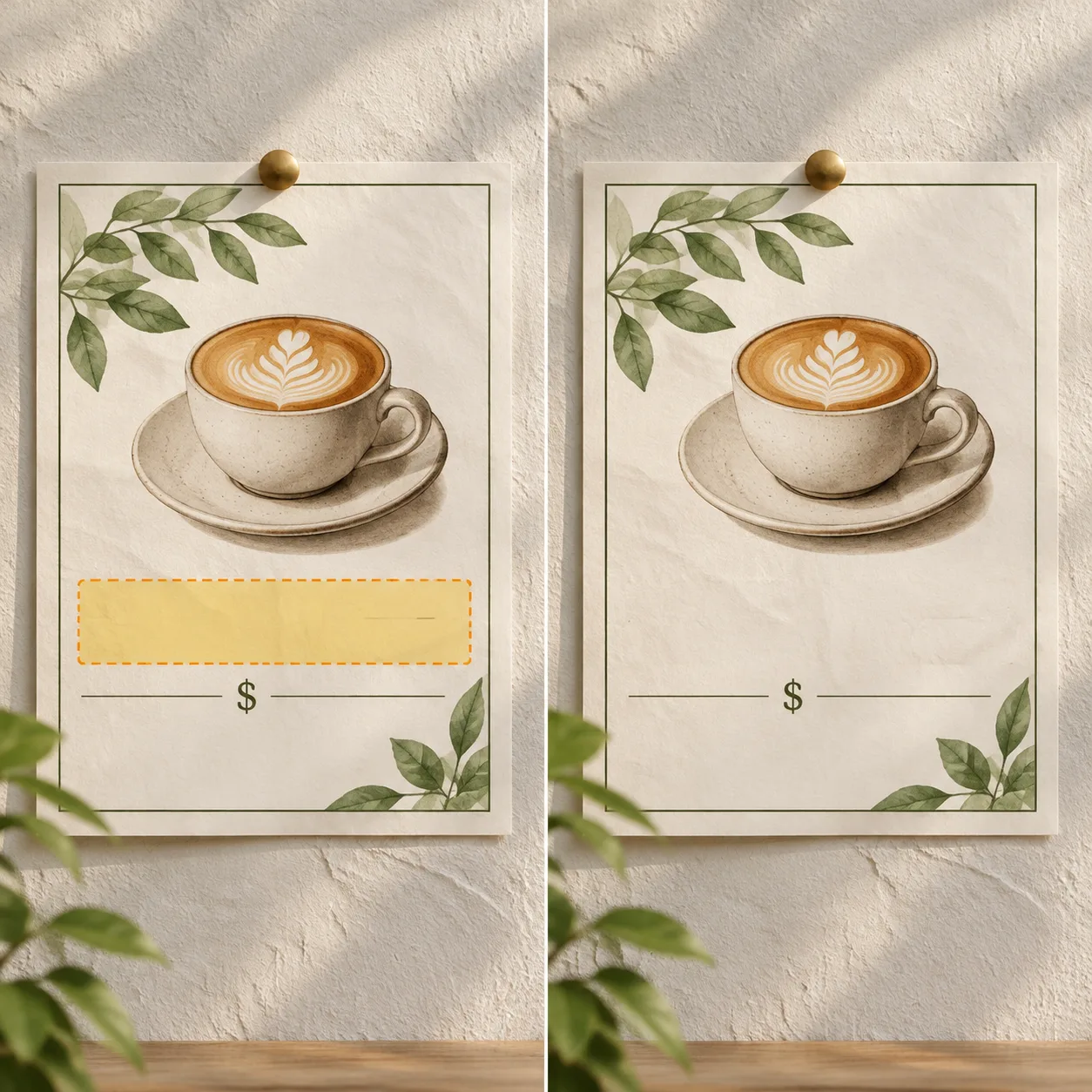
Picture text editor
Use the full picture as context, then keep the mask limited to the words that need to change.
AI text remover
Use a direct JPG, PNG, or WebP image link.
Choose an image to start.
Base rate: 150 credits per edit · 1k · 1:1 · View Pricing
Sign in to generateOnly edit images you own or are licensed to change. Do not use this editor for identity documents, financial records, receipts, signatures, seals, or deceptive evidence.
Picture editor
A picture is a useful starting point when the unwanted words are easy to isolate. The editor uses the rest of the picture as visual context and returns a result for inspection.
The picture editor is useful for small, visible text changes where the surrounding background can guide reconstruction. It does not make an edited image an authentic record, so keep the original and label significant edits when needed.
Picture editing method
Choose a clear image with visible text and enough surrounding area to guide reconstruction.
Use the smallest mask that fully covers the unwanted text and its immediate edge.
Check that the edit did not shift the subject, crop, lighting, or important background detail.
Picture jobs
Repair a short placeholder phrase when the editable source is no longer available.
Clean permitted labels or captions before using a picture as a creative reference.
Fix stray letters in an image you created while retaining the untouched original.
Use it responsibly
Only edit content you own or are permitted to change. This tool is for creative cleanup, mockups, and permitted production work.
Picture editing questions
The workflow is the same; this page is aimed at general picture files, illustrations, screenshots, and exported designs.
Yes, when you own or can edit it. Flat colors and simple textures can be easier to reconstruct than busy scenes.
Cover all of the text with a small margin, but avoid large unrelated areas.
Retry with a tighter mask and clearer instructions, or keep the original if the change is not acceptable.
A picture can be a saved design, illustration, screenshot, poster, or general image file you are allowed to edit.
Yes. Flat areas can provide useful context, but inspect line edges and repeated patterns.
Yes, when the picture is yours or permitted and the caption is isolated enough to mask.
The workflow asks the model to preserve the unmarked scene, but AI results still need a human check.
Only if you own it or have the right to edit and reuse it.
Use the smallest complete mask and describe the nearby texture; busy areas may need a second attempt.
After the task completes, review the result before downloading or publishing it.
Continue with the workspace