Use the sharpest source
A clear original gives the editor more texture and edge information than a compressed screenshot.
Photo cleanup with AI
Remove text from photo files while keeping the surrounding lighting, objects, and composition in view.
Use the workspace below on this page. Keep the original file and review every AI result before sharing it.
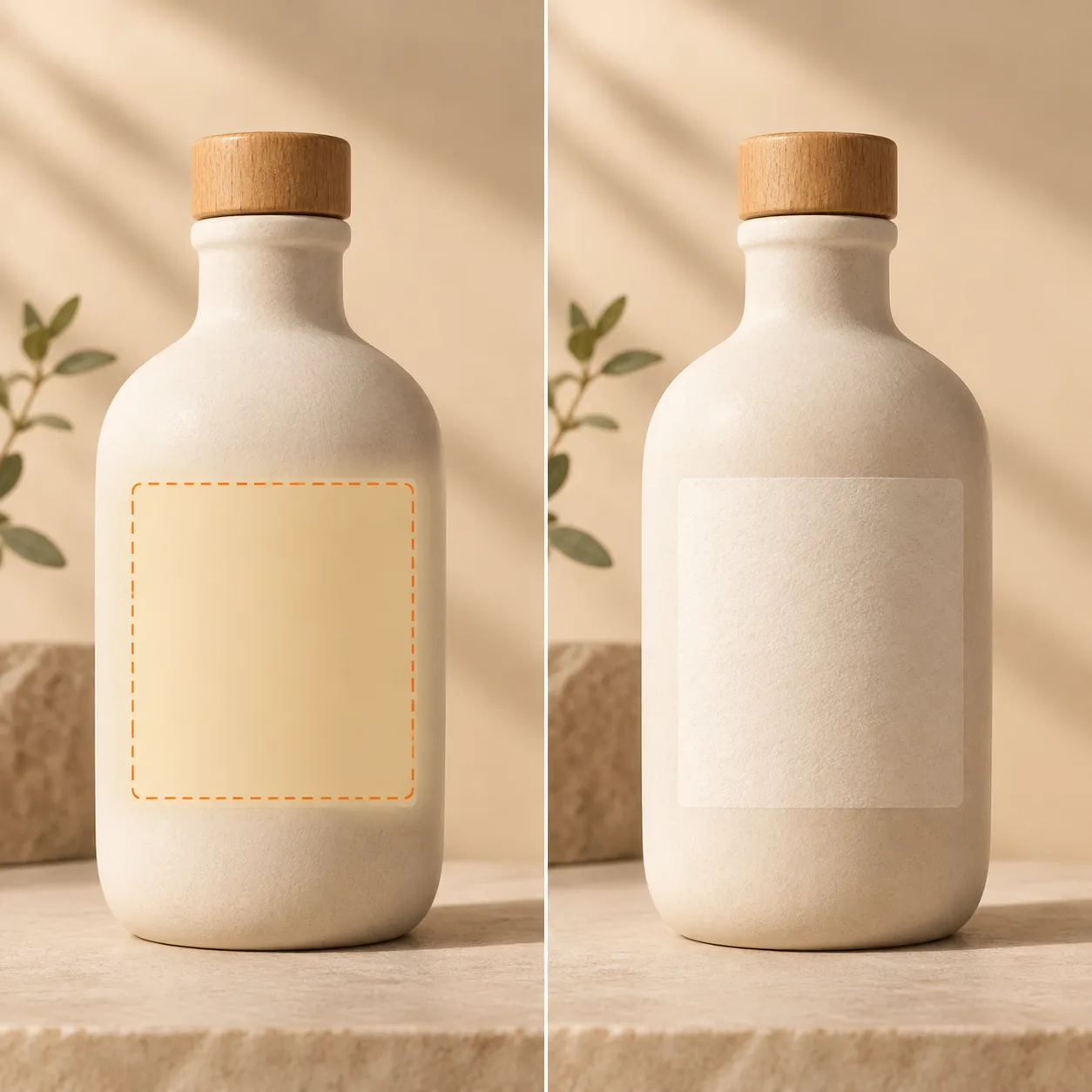
Photo cleanup
Photo edits need more attention to reflections, shadows, folds, and curved surfaces than flat graphics.
AI text remover
Use a direct JPG, PNG, or WebP image link.
Choose an image to start.
Base rate: 150 credits per edit · 1k · 1:1 · View Pricing
Sign in to generateOnly edit images you own or are licensed to change. Do not use this editor for identity documents, financial records, receipts, signatures, seals, or deceptive evidence.
Photo cleanup
Photos need a little more care than flat graphics. Mark the lettering and describe the nearby surface so the editor can match shadows, grain, reflections, and color.
Photos often contain labels, signs, packaging copy, or accidental lettering. Mark the smallest useful area, describe what should replace it, and review the edges before you download or share the result.
Photo cleanup method
A clear original gives the editor more texture and edge information than a compressed screenshot.
Include only the label or lettering and explain whether the background is paper, glass, fabric, wall, or product texture.
Look closely at highlights, shadows, seams, and curved surfaces before using the photo.
Photo jobs
Remove an outdated label from a product image you control.
Clean a date or short caption from a permitted photograph of a poster or flyer.
Repair stray lettering in your own photo while preserving the original file.
Use it responsibly
Only edit content you own or are permitted to change. This tool is for creative cleanup, mockups, and permitted production work.
Photo cleanup questions
Curved packaging, reflections, fabric folds, and textured surfaces can make reconstruction less predictable.
Only edit a photo you own or are authorized to modify, and do not use the result to misrepresent a real event.
Yes. Mention the nearby material, color, lighting, and pattern when those details matter.
Keep your original locally before submitting an edit.
Flat paper, simple packaging, and even walls are usually easier than reflective glass, hair, or complex folds.
You can try, but curved edges and highlights need careful inspection after the edit.
Yes. Mention soft light, shadows, reflections, or the material around the text when they matter.
Only when you own the image or have permission, and do not use the edit to misrepresent a real location.
The task focuses on the mask, but always compare the output dimensions and framing with the original.
Yes, provided the text is sharp enough to mark and the file is within the upload limits.
Retry with a smaller mask and a more specific surface description, then compare at full size.
Continue with the workspace