Confirm the edit is allowed
Only continue when you own the image or have permission to modify it.
Clean a permitted image
Delete text from image files without covering the entire canvas. The mask tells the editor exactly which area needs reconstruction.
Use the workspace below on this page. Keep the original file and review every AI result before sharing it.
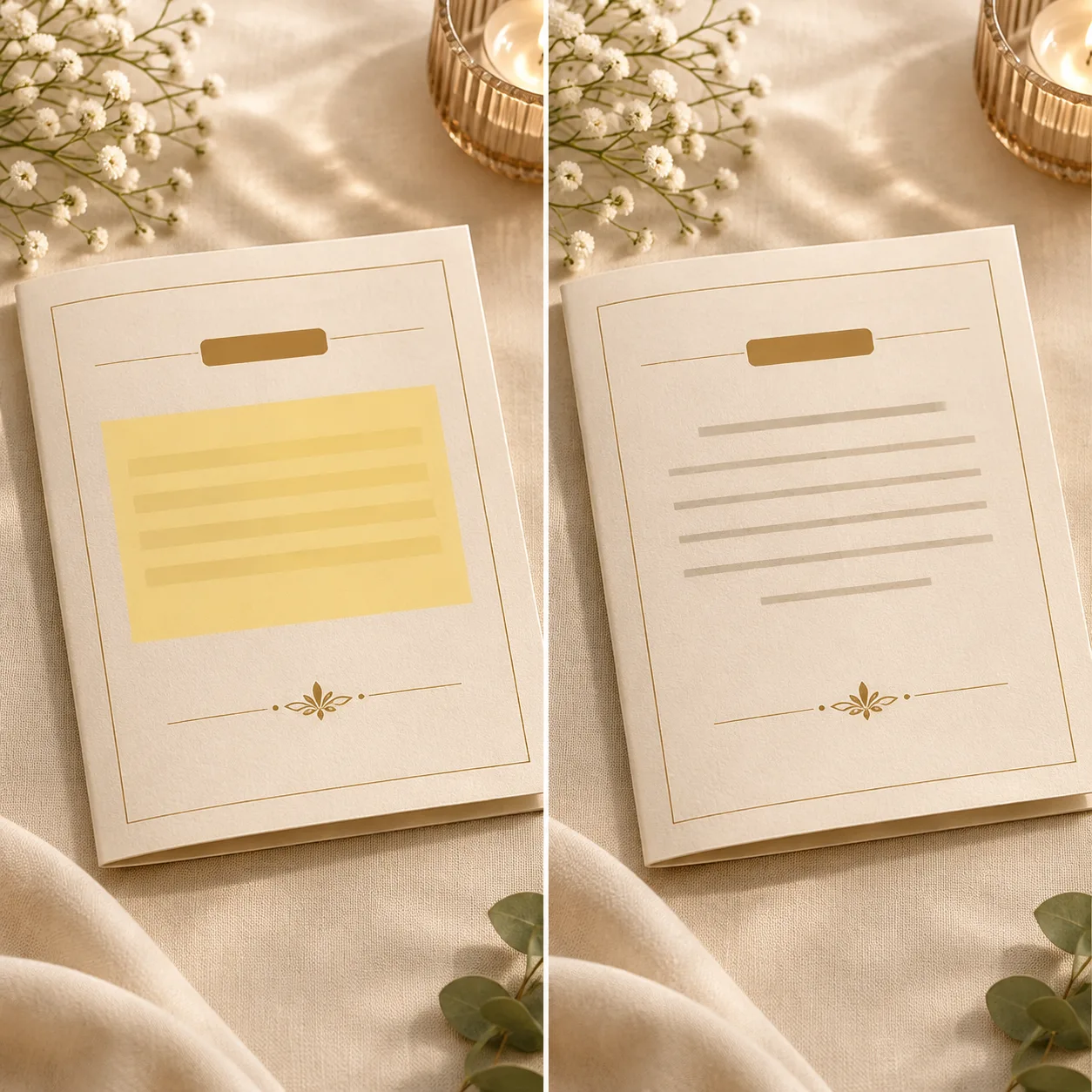
Delete marked text
The mask keeps the task local so the editor can use nearby color, texture, and geometry as context.
AI text remover
Use a direct JPG, PNG, or WebP image link.
Choose an image to start.
Base rate: 150 credits per edit · 1k · 1:1 · View Pricing
Sign in to generateOnly edit images you own or are licensed to change. Do not use this editor for identity documents, financial records, receipts, signatures, seals, or deceptive evidence.
Clean removal
The delete-text workflow focuses the AI on a marked region. A narrow selection gives the model the surrounding color, texture, and geometry it needs to rebuild the background.
This tool is designed for creative cleanup and production edits, not for changing records or hiding evidence. Use a high-quality source and describe the texture, color, or layout that should remain after the text is removed.
Delete-text checks
Only continue when you own the image or have permission to modify it.
Include letters, punctuation, and a small edge margin, but avoid unrelated objects.
Make sure the change does not create a misleading record or damage a key visual detail.
Good uses
Prepare a new permitted marketing variation from an exported image.
Remove temporary words before a final layout pass.
Clean a stray label when the surrounding background is visually simple.
Use it responsibly
Only edit content you own or are permitted to change. This tool is for creative cleanup, mockups, and permitted production work.
Delete text questions
The model tries to reconstruct the marked area from context, but nearby object edges may change. Review the output carefully.
No. Do not remove another person’s copyright notice or attribution without permission.
Use a tight mask and a precise description, but expect to review or retry complex areas.
No. Do not use it for identity, financial, legal, or evidentiary documents.
Both use the same focused image-editing workflow; this page emphasizes taking the marked words out and rebuilding the area.
Yes. A flat JPG is a common use case when the original layered design file is unavailable.
Use a tight mask and expect to inspect the object edge, shadow, and texture after generation.
Only from a flyer you own or are authorized to update, and not to misrepresent a real event.
No. This workflow edits visible pixels; handle file metadata separately if your process requires it.
Keep the original file before submitting so you can compare or restore it outside the editor.
The selected backend model price is used for the task quote and credit deduction.
Continue with the workspace